Love this post and want to
see more like it? Each month through 2012 I will be tackling different
topics and creating free printables to go along with the project. View
the projects here.
Today I'm going to share some of my favorite digital clutter organizers. Everything I'm going to show you I own and use. Links to items are provided if available.
Store It
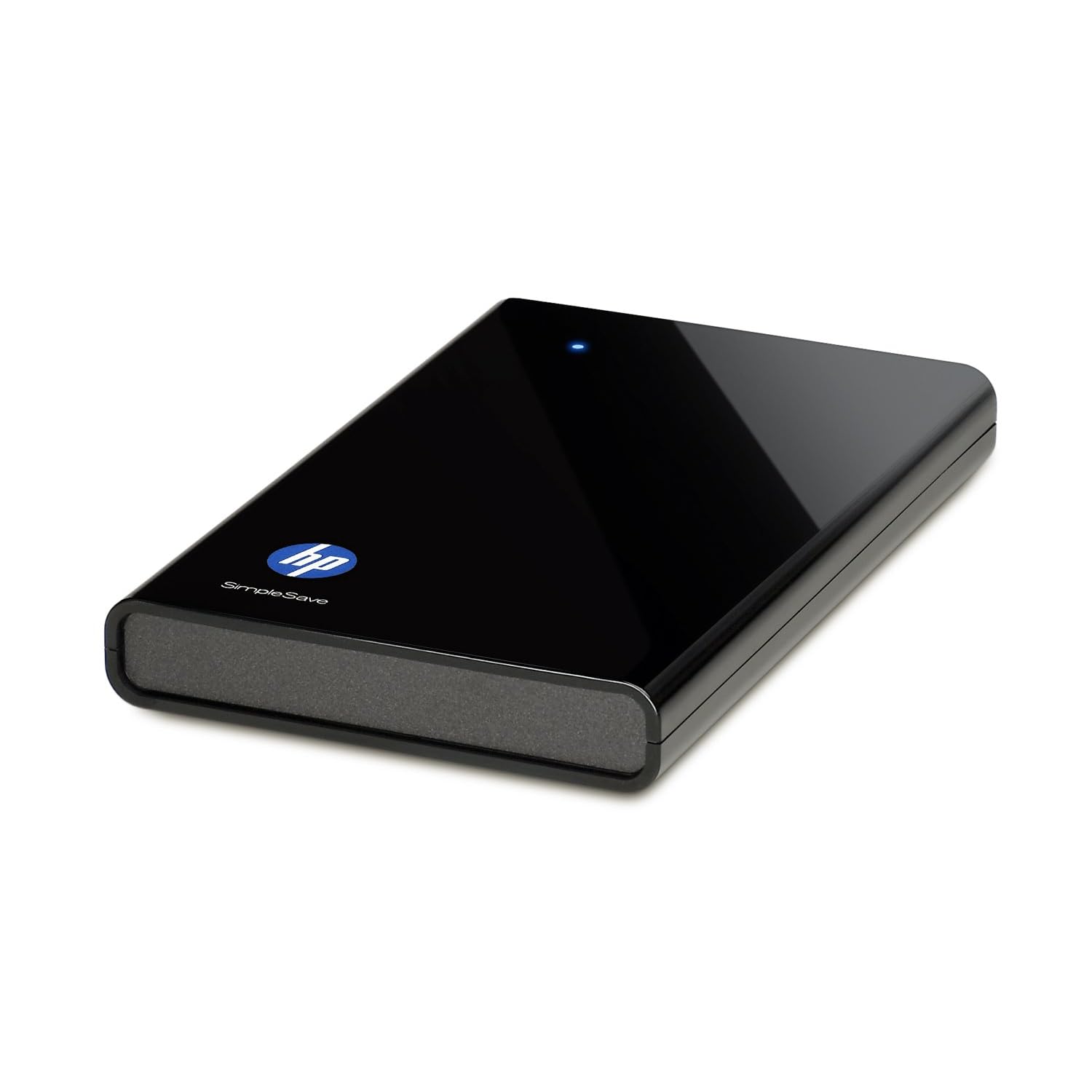
An external hard drive is the best thing ever to happen to digital photographers/teachers/computer geniuses/anyone who's ever used a computer and has important files. Back.it.up. I love mine because a) I've paid once, I'm not paying every year for "cloud" storage; b) I keep it in my safe in case of disaster; c) it's simple (as is in the name) to use - plug it in and let it run in the background. Yes, I own this very one. Bought mine at Sam's Club though -- and didn't get as sweet of a deal as Amazon's selling it for now. But anyways...best idea ever. If your computer ever crashes, say goodbye to everything you've ever loved about your computer -- goodbye photos, music, videos, internet favorites (yeah, you can back those up too), files, etc. I back things up every week or two - depending on how much important stuff I've accumulated...or not.
My old laptop didn't have a decent amount of memory, so an external hard drive was a savior. It allowed me to keep older photos on it and delete them off my PC so I had more room. Plus, when I got my new laptop, it was
so easy to transfer everything over...because it was already backed up. (Are you seeing the benefits?)
Cons? It can lead to massive file hoarding if you don't keep it under control. Things you've deleted off your computer will still stay on your external hard drive when you sync it every time. It's good because you can use it to store things you don't want on your PC, but it's bad because if you solely use it to back up things, you'll be backing up what's been deleted as well if you don't take the time to spring clean your drive. (I will usually delete everything off the drive once a year and resync from scratch since I no longer use it to solely store files.)
Curious about the cloud route?
I posted about it last week. Good option if you'd rather have your files accessible wherever you can use the internet.
Make Start Up Faster
I use Soluto to monitor my boot (start up) time. Before using Soluto my boot time was 3:14. Now my boot time is 0:57. How? I chopped my boot! They scan your start up programs and show you what you can turn off or pause at start up - meaning it either won't start at all, or it will start a few minutes after your computer is running. This allows you to get started on your computer a lot faster because the important stuff loads first (and fast). And no worries - if you chose to turn off something and you want it back on, it saves all of your "removed applications" in the program so you can change your mind.
Make Internet Browsing Faster and Easier
#1 suggestion - don't use Internet Explorer. I
love Microsoft, but don't care for their browser. It's way too slow and always has so many issues.
Mozilla Firefox has always been my favorite until recently when they decided to roll out several updates within 2 months, making things more complicated. The only reason I'm still using Firefox is because I'm addicted to some of the add-ons they have that Google Chrome doesn't have yet.
Google Chrome is an excellent "light" choice. Very simple to use and runs quickly and efficiently. (I don't know anything about Mac, but I've heard Safari is pretty good.)
I use
Roboform to save all of my usernames and passwords for me. It makes internet browsing so much easier and eliminates the need of 500 post-it notes all over keeping my log ins straight. It also has an option to save all of your personal info (name, address, phone number, email, etc.) and fill forms for registration pages. This is definitely a must for me since I sign up for sweepstakes a lot. All information is stored on my computer, so I can back it up on my external hard drive. You can password protect all of your info with a master password if you so choose, so it can be as secure as you want.
LastPass is another password manager. I've heard good things, but haven't tried it. It's free, but you have to upgrade ($12/year) for more features such as access to back up of your info.
Plan Your Life Digitally
Not a fan of physical planners? I use
Cozi (as well as my physical planner) to remember birthdays and other important events/reminders. Cozi is free and has an awesome feature that will send you an email or text message reminder...and that's my favorite things about it. (I set up text message reminders for birthdays, one week in advance so I don't forget to mail out gifts/cards to family in PA.) You can
watch a video on Digitwirl for the full scoop on all of Cozi's features.
Choose a Good Email Host
Sorry Hotmail and Yahoo lovers,
Gmail wins on this one. I've had an email address on
all of the different email hosting websites. (I was curious back in the day and ended up with Hotmail, which declined quickly.) While I do still get spam mail from time to time, Gmail generally will catch it and put it in the spam folder. Hotmail never did a good job with this and I was receiving just as much spam as I was wanted email. (Talk about time consuming.) Gmail has all sorts of features: labels, search, lots of space, conversation view (which I could never go without again), priority inbox, labs, etc. I think Gmail deserves it's own post, seriously. (I'll write one this week.) Until then, check out all of it's awesomeness
here.
That's all I've got for now. I don't want to suggest a ton of software applications for you to clog up your computer with. These are the basics that I find important to keeping me digitally organized. If you have any PC-related questions, please feel free to email me. I'm a self-taught PC geek and have a ton of resources that I can use to answer your questions. =]
Have a great Tuesday night...too bad it'll be Glee free. =[
I don't know if I can hold out until November 1st...


 to hem the sides and top of the fabric.
 and let the iron steam on the fabric for 30 seconds. It was super easy to do and worked perfectly without having to re-do anything.

 to the top of the fabric that would be attached to the top of the table. In order to cut costs and save on materials, I only attached 3 strips to the fabric.

 as well to attach to the table. The Velcro Fabric Fusion tape wouldn't work on the table - so I went with the regular sticky back.