

Love this post and want to
see more like it? Each month through 2012 I will be tackling different
topics and creating free printables to go along with the project. View
the projects here.

Today I'm going to share some of my favorite digital clutter organizers. Everything I'm going to show you I own and use. Links to items are provided if available.
Store It
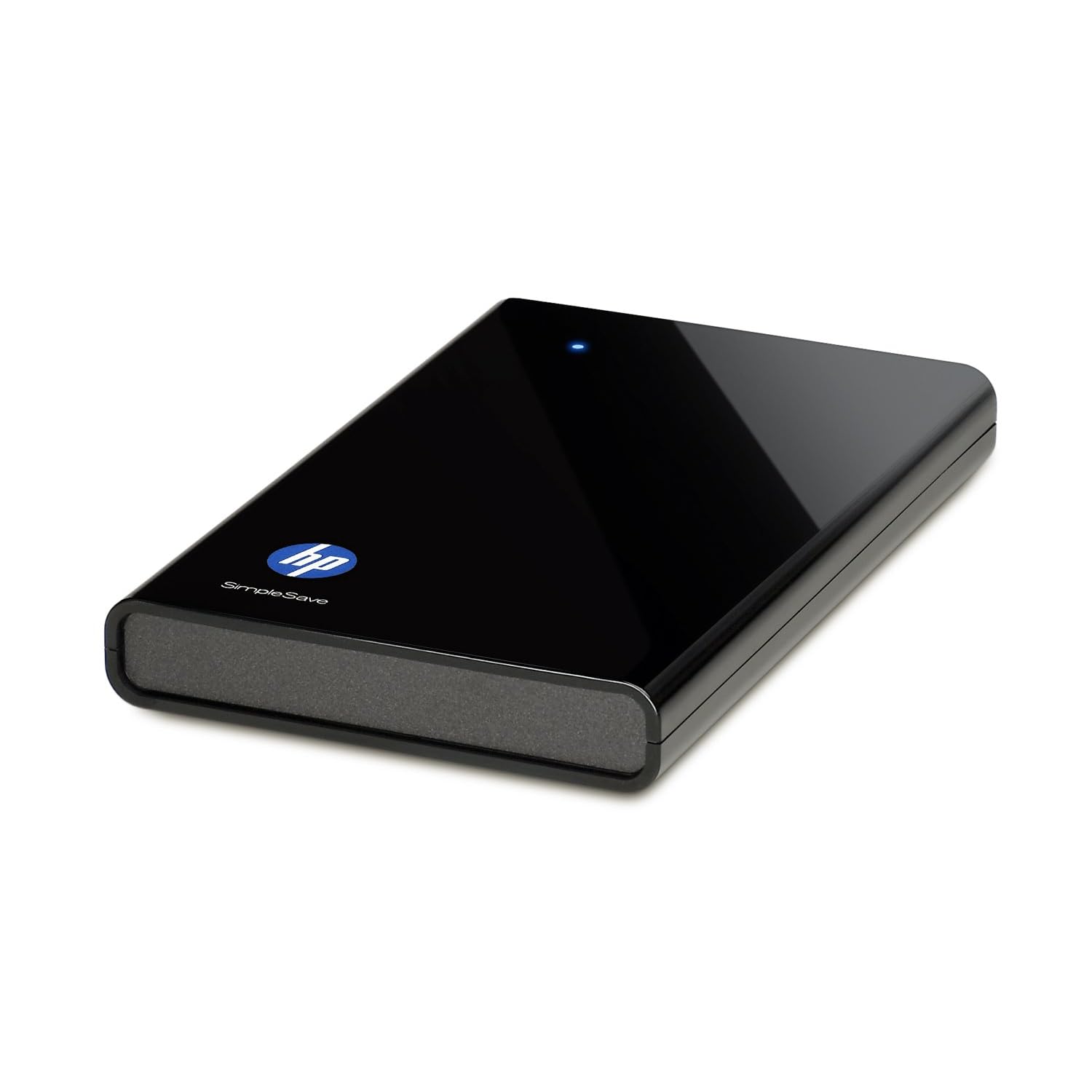 |
| HP SimpleSave 320 GB External Hard Drive $59.99 |
My old laptop didn't have a decent amount of memory, so an external hard drive was a savior. It allowed me to keep older photos on it and delete them off my PC so I had more room. Plus, when I got my new laptop, it was so easy to transfer everything over...because it was already backed up. (Are you seeing the benefits?)
Cons? It can lead to massive file hoarding if you don't keep it under control. Things you've deleted off your computer will still stay on your external hard drive when you sync it every time. It's good because you can use it to store things you don't want on your PC, but it's bad because if you solely use it to back up things, you'll be backing up what's been deleted as well if you don't take the time to spring clean your drive. (I will usually delete everything off the drive once a year and resync from scratch since I no longer use it to solely store files.)
Curious about the cloud route? I posted about it last week. Good option if you'd rather have your files accessible wherever you can use the internet.
 |
| Soluto - free |
I use Soluto to monitor my boot (start up) time. Before using Soluto my boot time was 3:14. Now my boot time is 0:57. How? I chopped my boot! They scan your start up programs and show you what you can turn off or pause at start up - meaning it either won't start at all, or it will start a few minutes after your computer is running. This allows you to get started on your computer a lot faster because the important stuff loads first (and fast). And no worries - if you chose to turn off something and you want it back on, it saves all of your "removed applications" in the program so you can change your mind.
Make Internet Browsing Faster and Easier
#1 suggestion - don't use Internet Explorer. I love Microsoft, but don't care for their browser. It's way too slow and always has so many issues. Mozilla Firefox has always been my favorite until recently when they decided to roll out several updates within 2 months, making things more complicated. The only reason I'm still using Firefox is because I'm addicted to some of the add-ons they have that Google Chrome doesn't have yet. Google Chrome is an excellent "light" choice. Very simple to use and runs quickly and efficiently. (I don't know anything about Mac, but I've heard Safari is pretty good.)
 |
| Roboform $9.95/year |
LastPass is another password manager. I've heard good things, but haven't tried it. It's free, but you have to upgrade ($12/year) for more features such as access to back up of your info.
Plan Your Life Digitally
 |
| Cozi - free |
Not a fan of physical planners? I use Cozi (as well as my physical planner) to remember birthdays and other important events/reminders. Cozi is free and has an awesome feature that will send you an email or text message reminder...and that's my favorite things about it. (I set up text message reminders for birthdays, one week in advance so I don't forget to mail out gifts/cards to family in PA.) You can watch a video on Digitwirl for the full scoop on all of Cozi's features.
Choose a Good Email Host
| Gmail - free |
That's all I've got for now. I don't want to suggest a ton of software applications for you to clog up your computer with. These are the basics that I find important to keeping me digitally organized. If you have any PC-related questions, please feel free to email me. I'm a self-taught PC geek and have a ton of resources that I can use to answer your questions. =]
Have a great Tuesday night...too bad it'll be Glee free. =[
I don't know if I can hold out until November 1st...


I've added to my list to check out Soluto. Thanks for the tip.
ReplyDeleteI've been meaning to purchase an external hard drive and feel even more motivated to do so after reading your post. I hadn't even thought about the fact that I could use it to store extra photos. Love that idea! You've given me food for thought!
I was once tech support for dial-up ISP's. I would suggest NEVER use a password saver for important sites like banks or for companies you purchase items from. Even with virus software it is not safe. My clients use to get into a lot of trouble because of passwords being stored on their computers, even when the software states it is able to lock it down. Instead use an address book you can flip through for those important sites. Karen
ReplyDelete